Ray Casting Engine
A Wolfenstein-style first-person shooter in plain JavaScript and Canvas 2D: DDA ray casting, textured walls, z-buffered sprites, projectiles and a green CRT tactical HUD. Every texture, the pistol and the face icon are drawn in code, with no image files and no dependencies. The renderer is correct and fast.
Clearing sector one
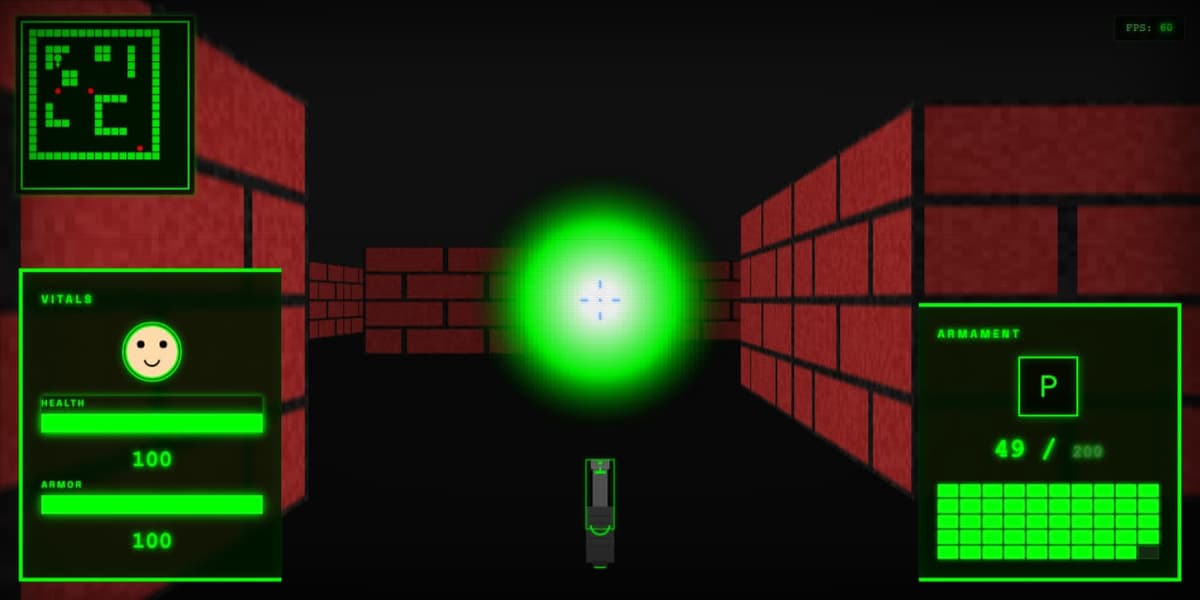
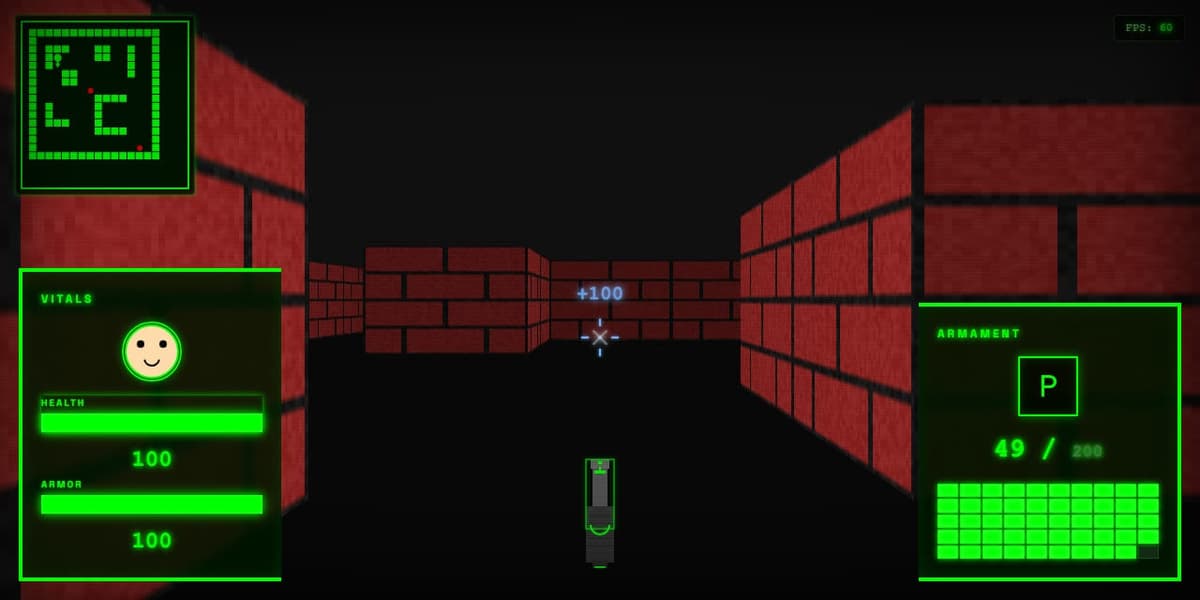
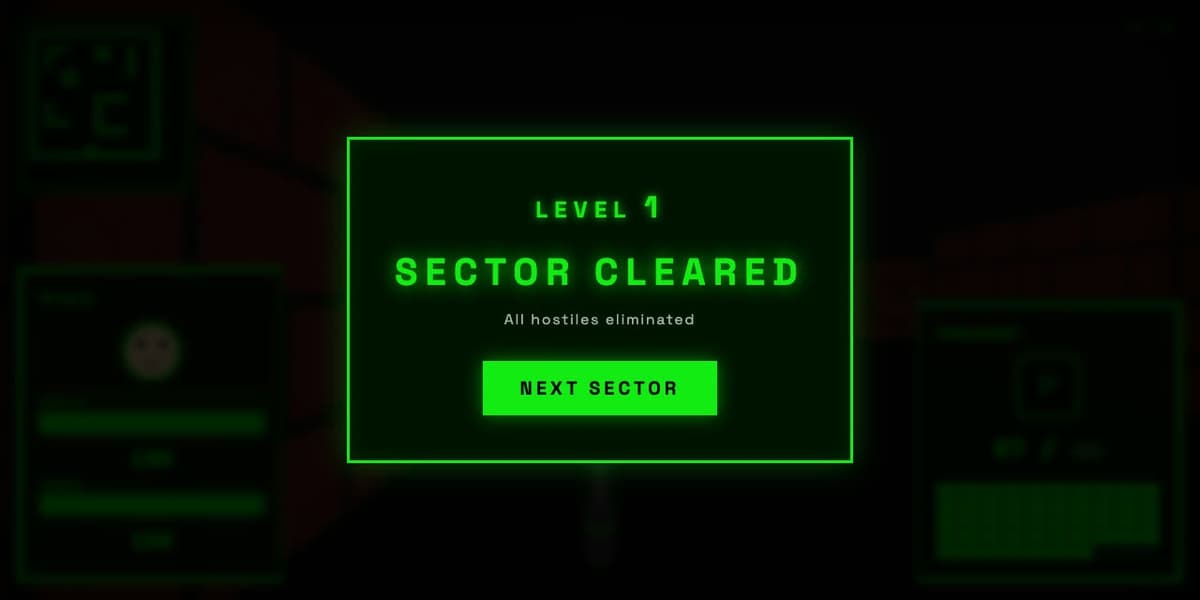
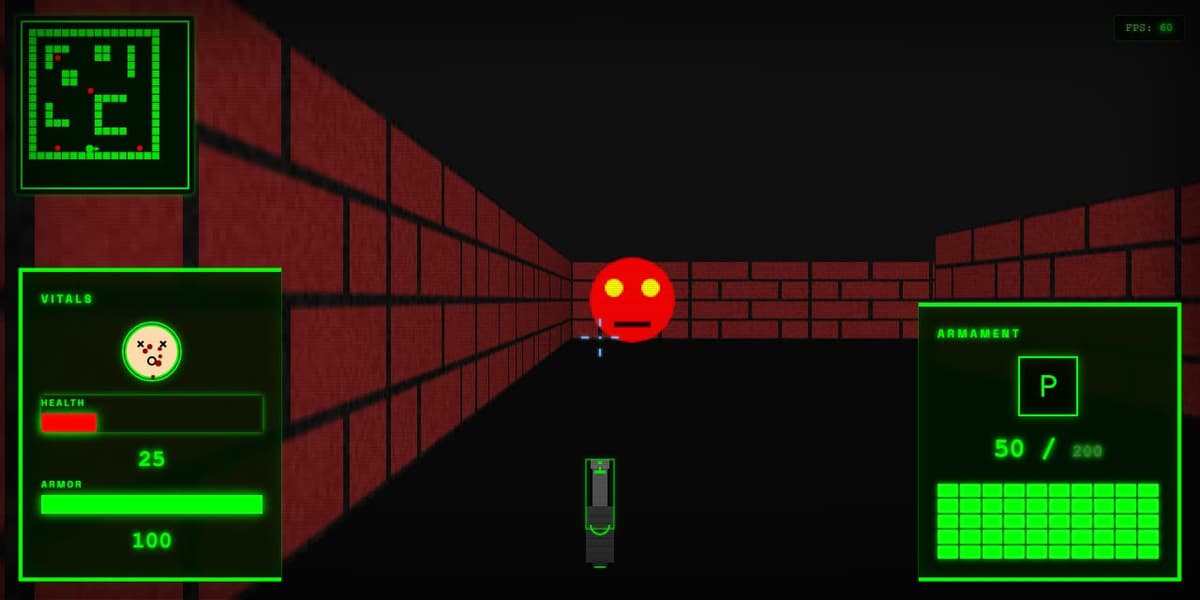
testDamage(75). Nothing in the game can hurt the player yet.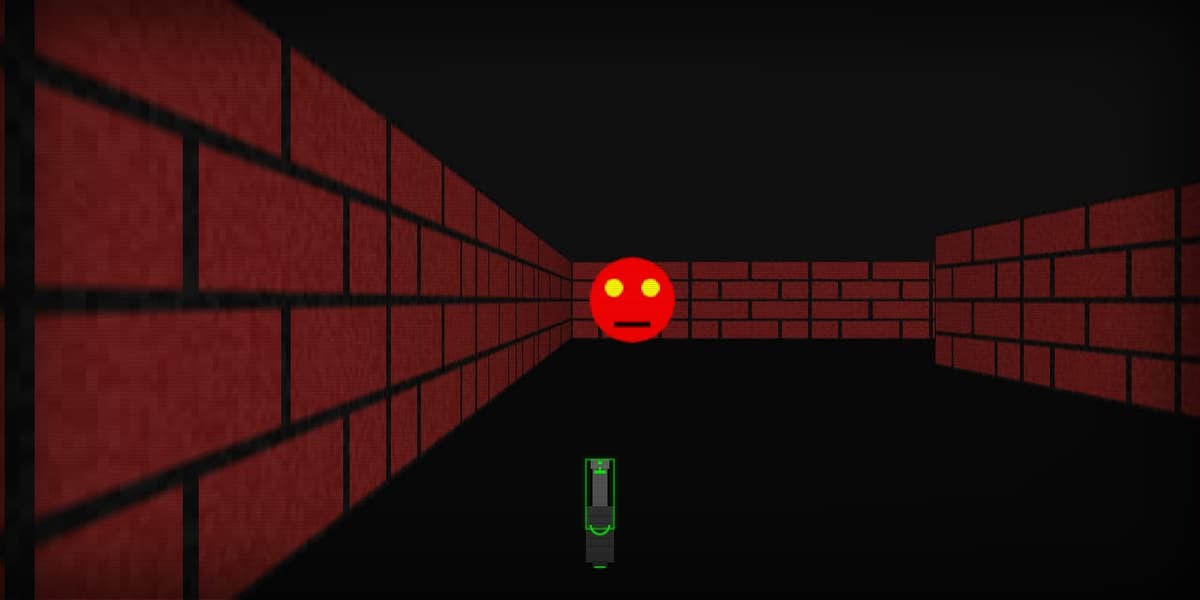
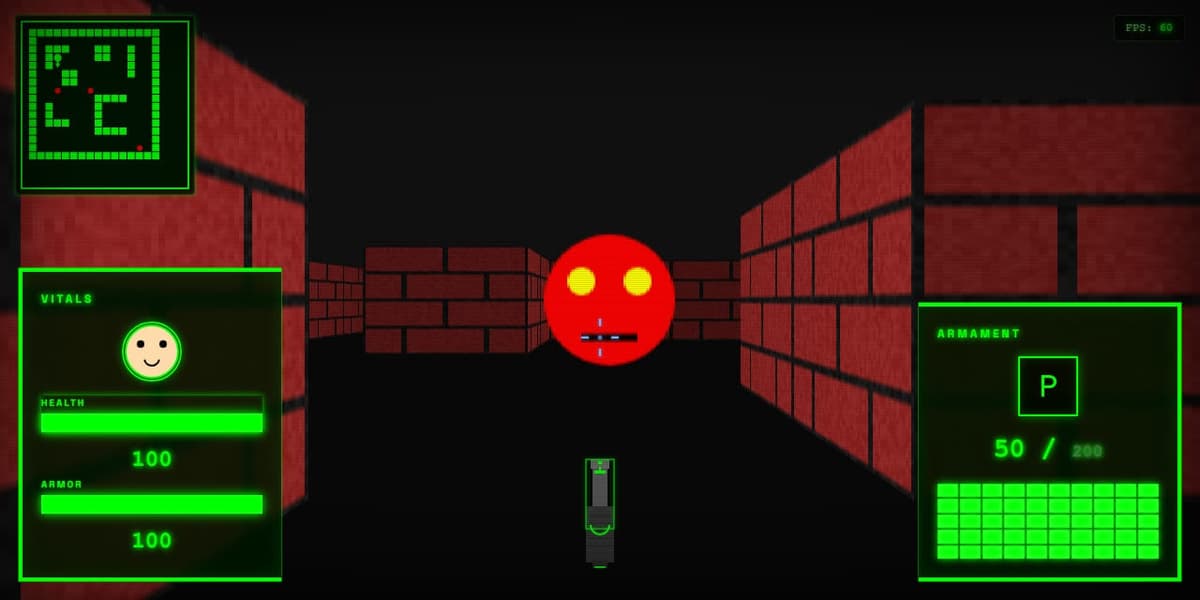
What the player can do
| Input | Action |
|---|---|
W A S D, arrows | Move, strafe, turn · 3 units/s, 103°/s |
| Left Shift | Sprint × 1.8 |
| Mouse (pointer locked) | Look, 0.002 rad per pixel |
| Click / right-click | Lock the pointer, then shoot (100 ms cooldown) |
R R R within 500 ms | Weapon inspect animation |
H / M / F | Toggle HUD / minimap / fullscreen |
P / F12 | Profiler / screenshot mode |
One map, one weapon, one enemy type. The 16 × 16 map uses a single wall type, so the procedural stone texture is generated and never drawn. Enemies are red billboards with yellow eyes. They don't move or attack, and there is no line-of-sight check.
Where the work went. The renderer core, Raycaster.js plus sprite.js, is 334 lines, about 9% of the JavaScript. Most of the rest is the HUD, weapon animation, effects and infrastructure around it.
One loop, five canvases and CSS on top
Digital differential analysis, one column at a time
sideDistX and sideDistY track the distance to the next vertical and horizontal grid line. The ray always advances whichever is closer, so it never skips a cell.// Raycaster.js:49-104 · one ray per screen column const cameraX = 2 * x / width - 1; const rayDirX = player.dirX + player.planeX * cameraX; const rayDirY = player.dirY + player.planeY * cameraX; while (hit === 0) { if (sideDistX < sideDistY) { sideDistX += deltaDistX; mapX += stepX; side = 0; } else { sideDistY += deltaDistY; mapY += stepY; side = 1; } if (worldMap[mapX] && worldMap[mapX][mapY] > 0) hit = 1; } // perpendicular distance: no fisheye, no cosine const perpWallDist = side === 0 ? sideDistX - deltaDistX : sideDistY - deltaDistY;
// then, per column
lineHeight = floor(H / perpWallDist)            // projection
texX = floor(frac(hit point) * 64)               // un-mirrored per side
ctx.drawImage(tex, texX, 0, 1, 64, x, top, 1, lineHeight)
fog = min(dist, 20) / 20;  if (side) shade *= 0.7
zBuffer[x] = perpWallDist                        // for sprites
Columns are 1-pixel drawImage slices, not per-pixel writes. That is why the whole world pass stays under a millisecond.
Sprites are projected with the inverse of the 2 × 2 camera matrix [plane dir], sorted far to near, and drawn column by column only where they are closer than zBuffer[x]. Collision tests the X and Y moves separately against the grid with a 0.25 radius, which gives wall sliding for free. The CRT look is pure CSS: a 2 px scanline gradient, tinted edge gradients and an inset shadow vignette, with no per-frame JavaScript.
Fast renderer, slow HUD budget
docs/PERFORMANCE.md sets a budget of 8 ms for the world pass and 2 ms for all UI. The world pass measured 0.57 ms at 1280 rays and 0.84 ms at 1920. The frame rate sat at the 60 FPS cap at every size.
The profiler's own frame total is broken: mark() resets the frame start, so totalFrame reports about 0.002 ms and its 16.67 ms warning can never fire.